Everything related to your Paperless Agent membership and programs is available through what's called the Customer Dashboard. Make sure to bookmark the site below so that you can always know where to start when you get ready to use your Paperless Agent programs!
To access the Customer Dashboard
1. Sign In to your Paperless Agent Customer Dashboard
2. Enter the email address you used to sign up with us
3. Enter your password (you set it on the order form you used when you signed up)
Trouble Accessing the Dashboard?
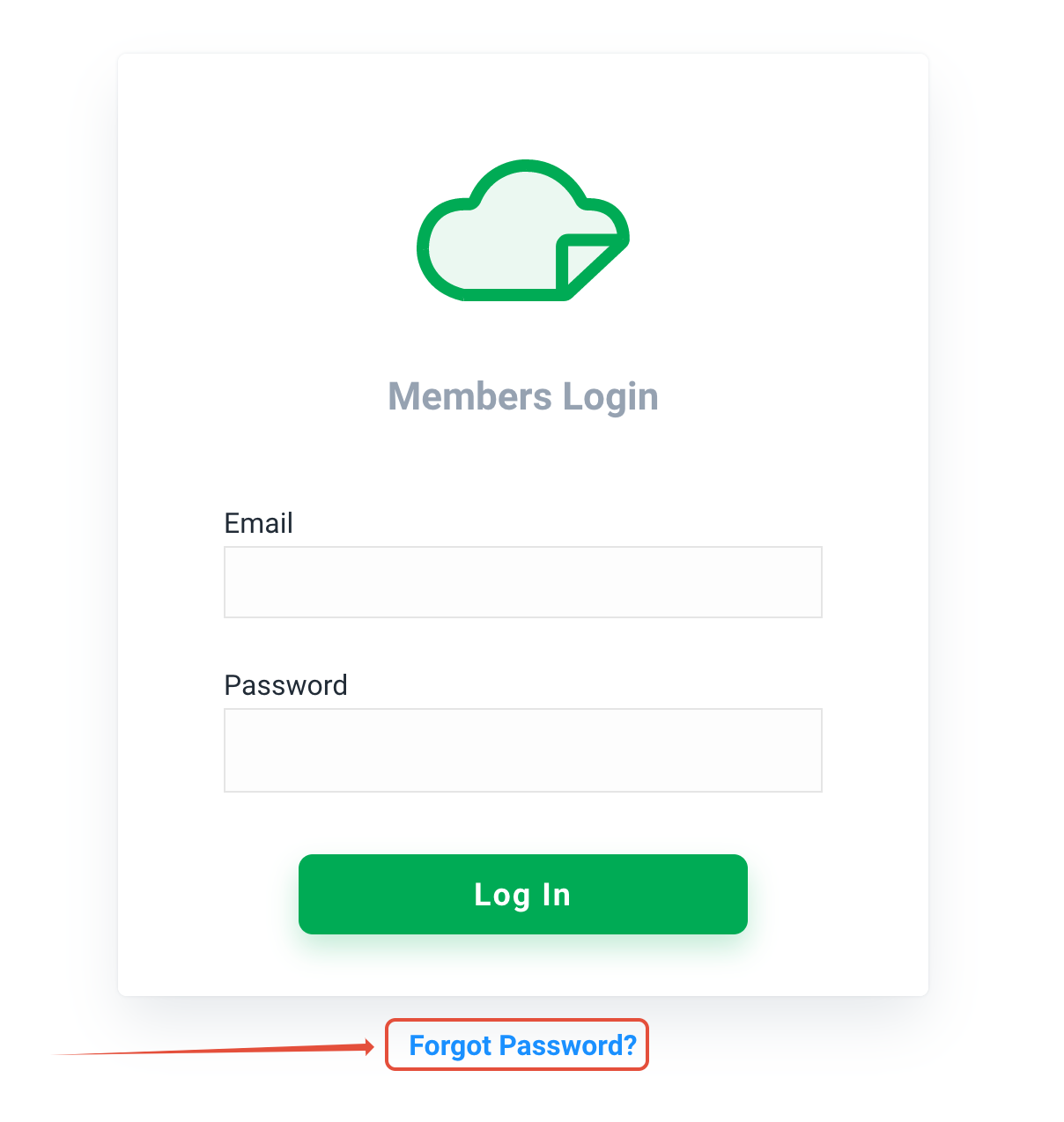
- Reset your password using the "Forgot Password" link on the login page (highlighted below)
- Or, review the Log In Solutions help article for additional help
Was this article helpful?
That’s Great!
Thank you for your feedback
Sorry! We couldn't be helpful
Thank you for your feedback
Feedback sent
We appreciate your effort and will try to fix the article